Highlighted text? Practice this concept. Highlighted passages and figures open related questions.
Practice related questions (1)Progress & bookmarks
Current section
1 Classification of Software
p. 184
Practice this section 1 linked exam question with default filters
Progress
Not marked complete
Related questions in this lesson 3
Control-program resource allocation1Language-processor translation role1Service and utility programs2Outline font enlargement1p. 184
1 Classification of Software
Software is a word that was created to contrast with hardware, and it occupies a position between a person and a computer so that the computer can be used efficiently. The broad definition of software includes documents including manuals for the use of computers, but software generally refers to a program (a collection of instructions).
1 - 1 Systematic Classification of Software
In terms of systematic classification, software can be broadly classified as system software and application software. System software is a group of programs that enable effective use of the functions of the devices (i.e., hardware) that constitute a computer. Application software is a group of programs that provide functions corresponding to the aims of the user. In other words, it can be said that system software focuses more on hardware, and application software focuses more on people.
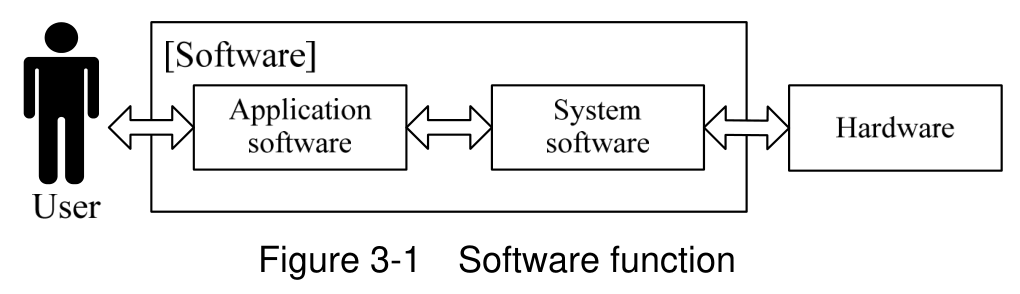
The fundamental software that manages hardware resources and controls the computer is called the OS (Operating System). Depending on the interpretation of “control the computer,” an OS is classified as either a “broadly defined OS” or a “narrowly defined OS.”
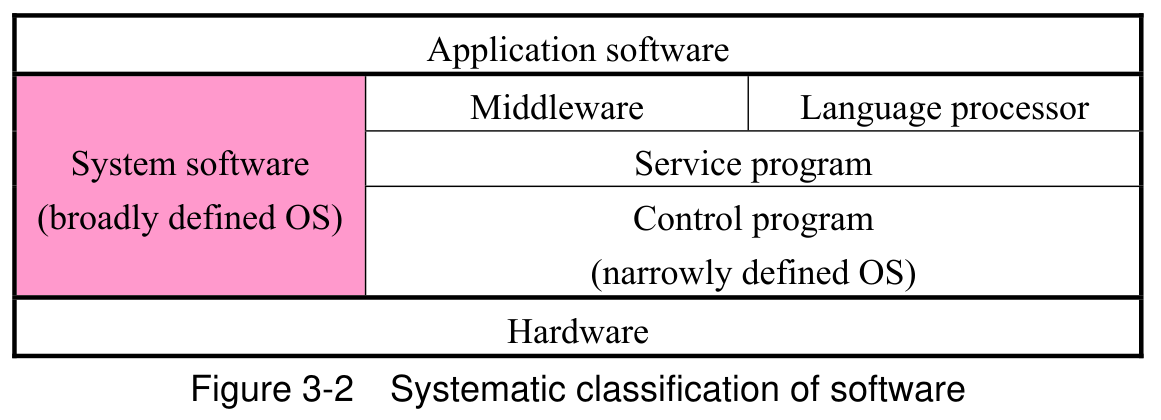
Recently, this systematic classification has become very vague. Figure 3-2 should be understood as just one example of the systematic classification of software.
p. 185
(1) Control program
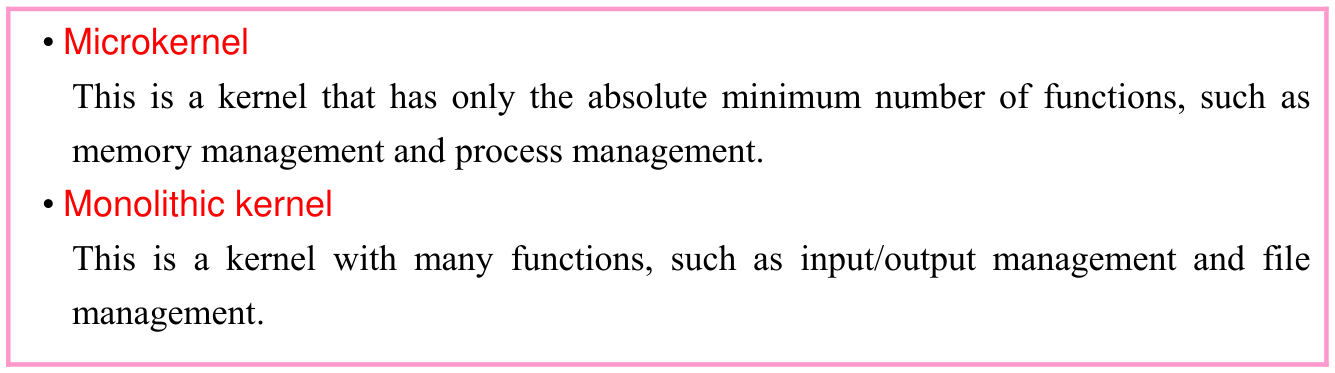
When a computer is powered on, an IPL (Initial Program Loader) runs to launch the control program (OS). This series of processes is called a boot, and the program used in the boot is called a bootstrap (or bootloader). Since it is necessary to save the bootstrap even when the computer is powered off, in early computers it was stored in ROM. However, these days a flash bootloader that is stored in flash memory is often used. Furthermore, other boot methods, such as multiboot which enables the user to select a control program (i.e., OS) to launch from multiple candidates, and network boot which enables a boot to be performed over a network, are also used.
(2) Service programs (utility programs)
p. 186
(3) Language processor
(4) Middleware
Middleware is software that is located between the OS and application software. It provides basic functions that are common to a variety of purposes. By providing basic functions with a unified interface, it facilitates the development of application software that does not rely on an OS nor hardware. It is difficult to accurately distinguish middleware because some is embedded as part of the OS and some is purchased additionally by the user. Generally, software that is classified as middleware includes the types below.
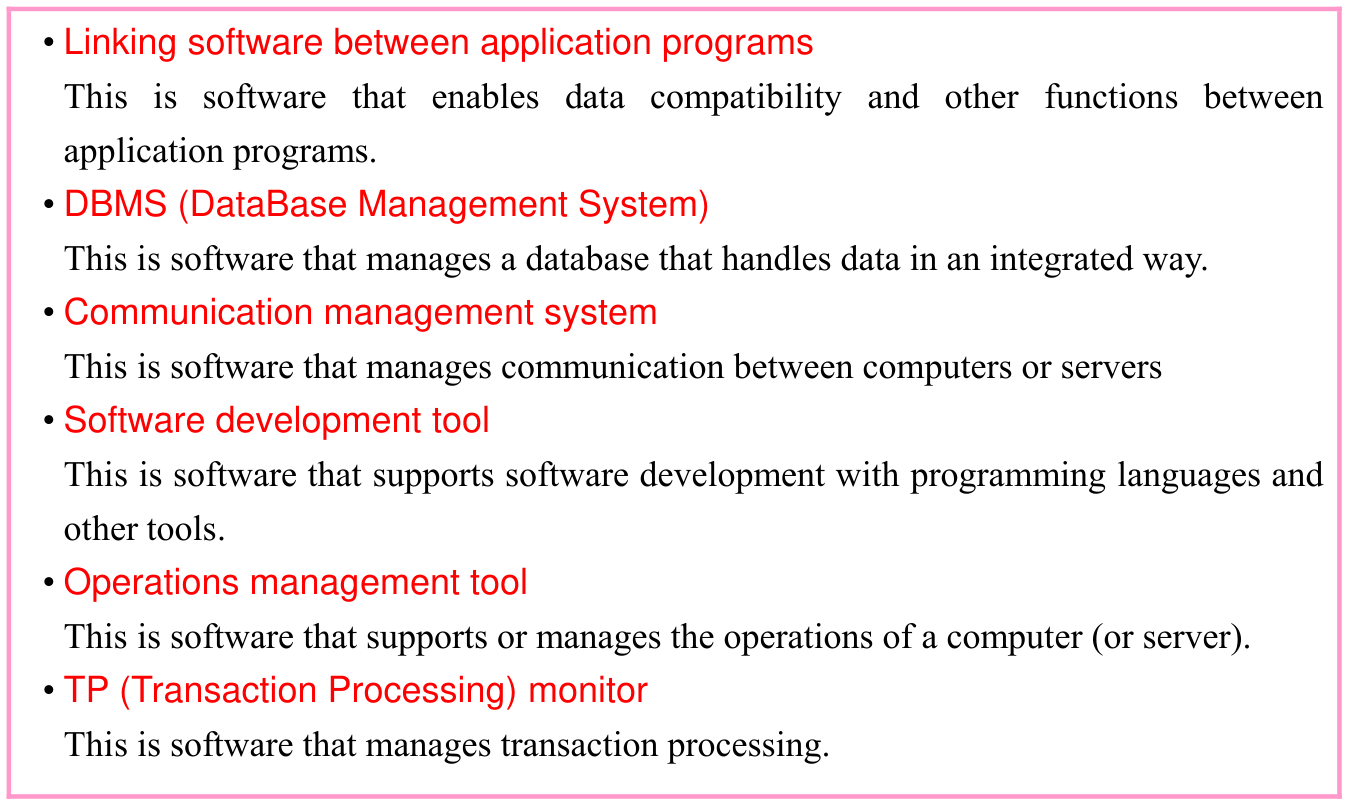
In a broad sense, (1) to (5) below are also classified as middleware.
p. 187
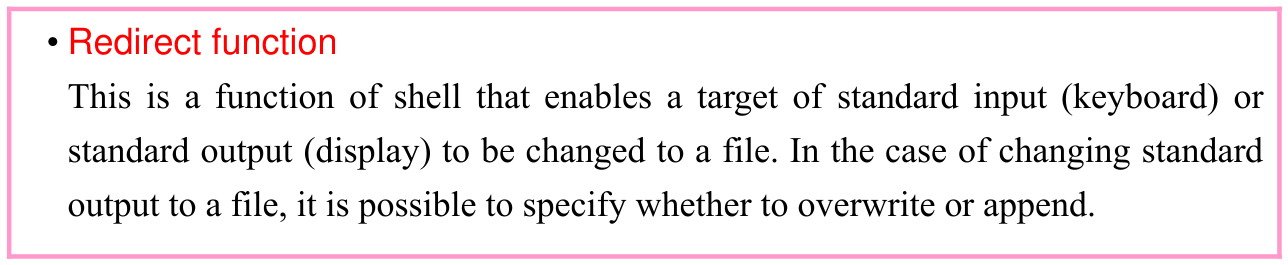
(1) Shell This is software that interprets user operations with a command interpreter and conveys them to (or gives instructions to) the OS. It is sometimes classified as an OS function.
(2) API (Application Program Interface) This is a mechanism (i.e., interface) for using the features provided by an OS (e.g., commands, functions) from an application program. By using the same OS and APIs, program compatibility can be increased, and the required number of person-hours can be reduced at the time of porting the program to another platform.

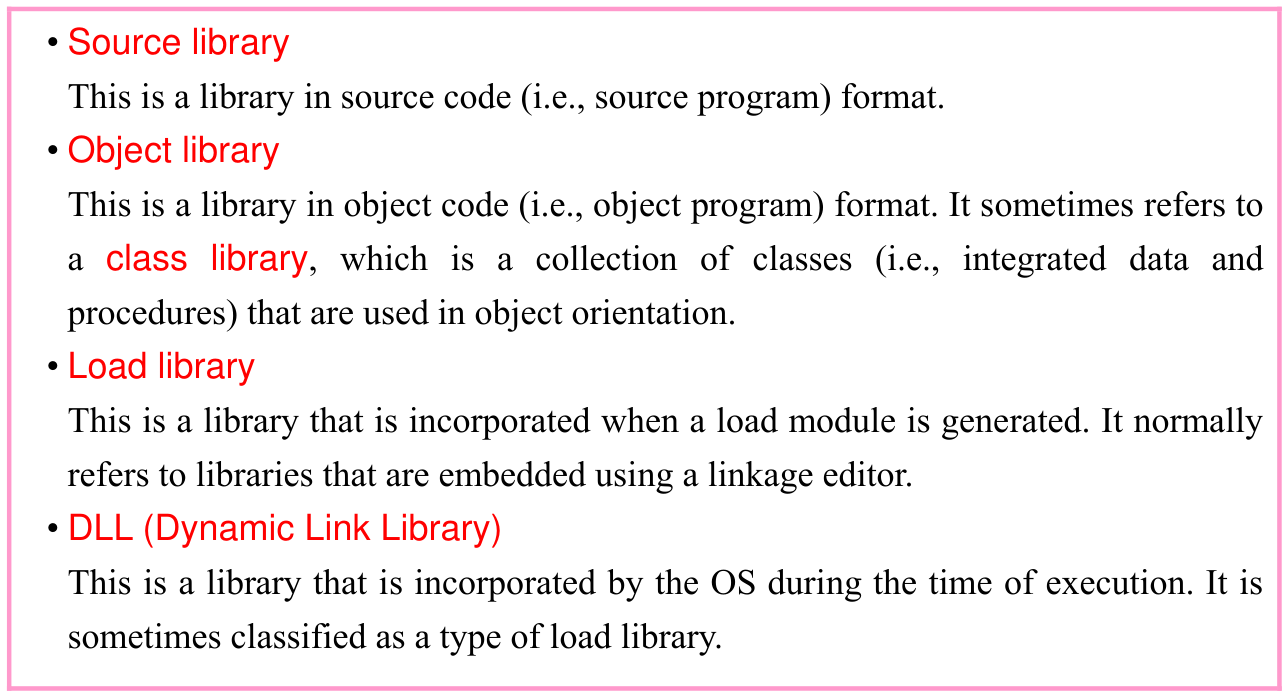
(3) Library This is a file that groups programs with highly versatile and specific functions in a reusable format. (It sometimes refers to mechanisms that manage and provide files.) Normally, a library is incorporated into another program for use and cannot be executed as a standalone program.
p. 188
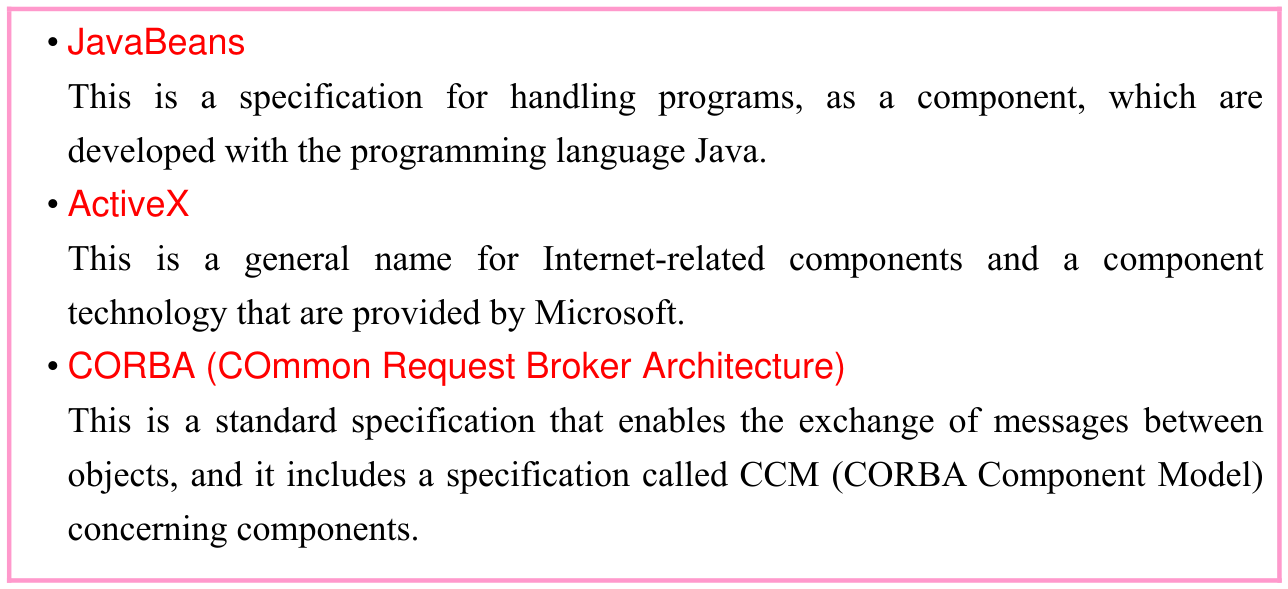
(4) Componentware This is software that has a specific function and is used as a component of program during program development. The development of an application by combining componentware is called component-based programming.
(5) Development framework This is software that provides generally-used functions that are often required during application development, and works as a base for applications. It can be called a general framework for standardizing and streamlining application development.
(5) Application software
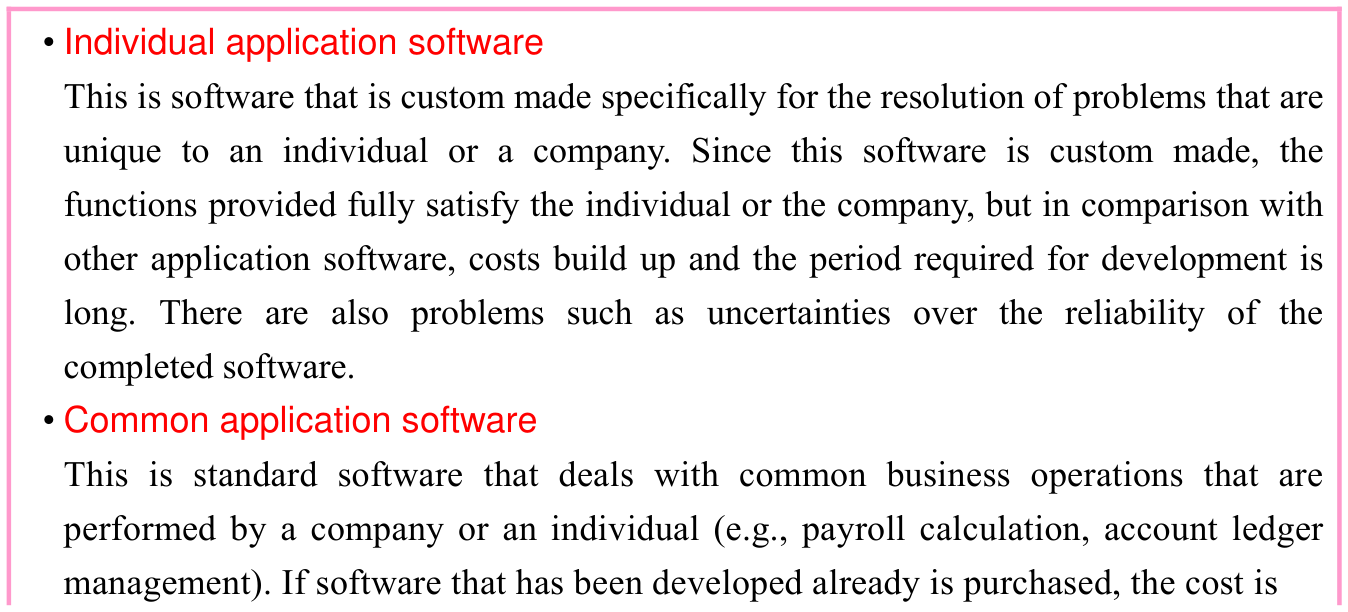
Application software is software that provides a wide range of functions that correspond to the aims of the user. Other than system software that focuses on hardware, most software is classified as application software. Application software is broadly classified into two groups depending on the aims of usage.
p. 189
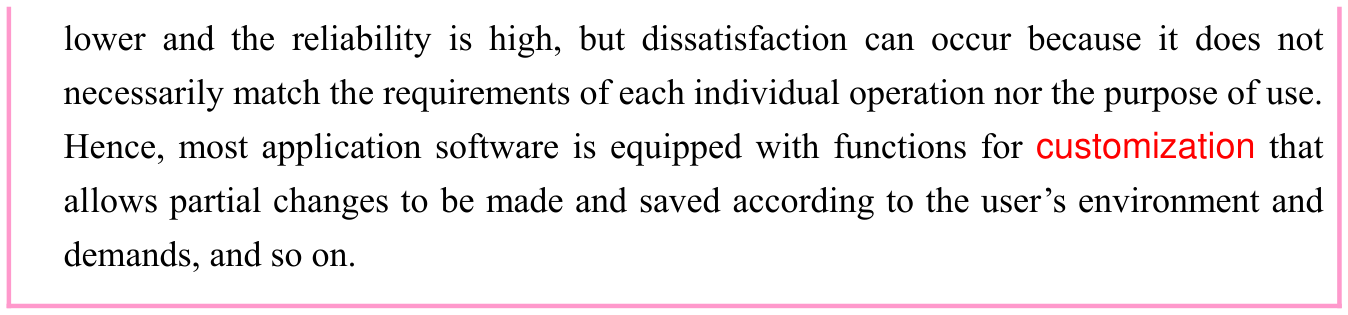
Typical application software includes those described below.
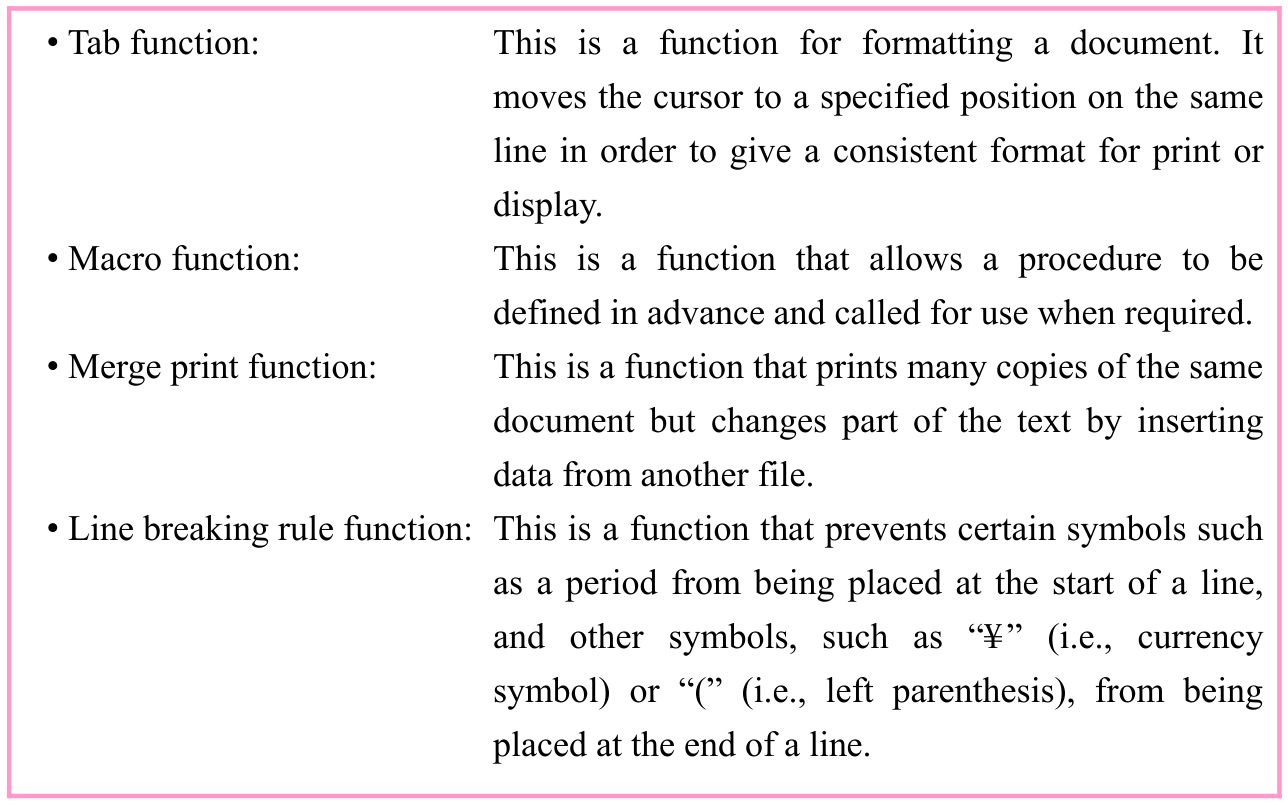
(ii) Spreadsheet software This is software that creates tables or performs calculations between cells by entering data or an expression into cells that are arranged in rows and columns on a worksheet.
p. 190
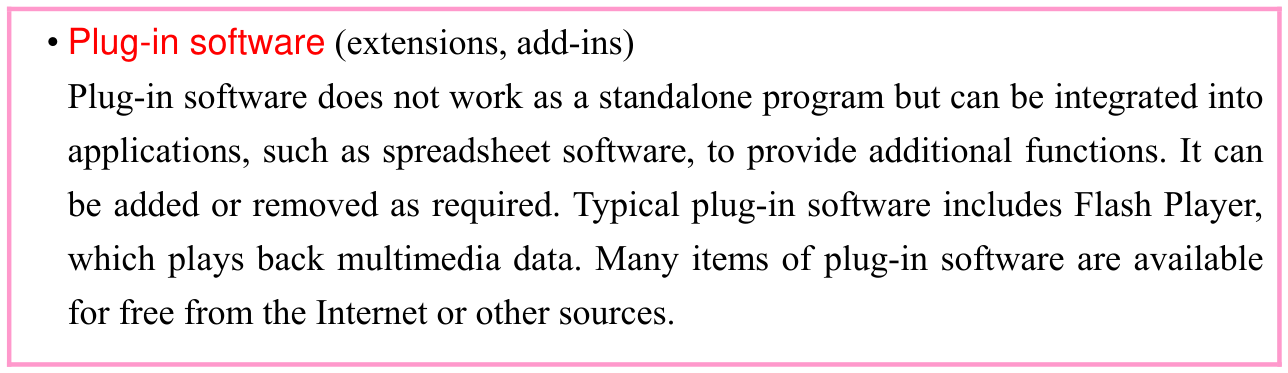
(iii) Database software This is software for creating, using, and managing a database. It also allows to create simple data processing programs by using a dedicated language.
(iv) DTP (DeskTop Publishing) software (digital publishing system) This is software for creating commercial printed materials. It has many editing functions such as font adjustment and layout. In order to perform layout work or control a high-precision printer, it has a built-in PDL (Page Description Language) function. (Typical PDLs include PostScript and ESC/Page.) Furthermore, a WYSIWYG (What You See Is What You Get) function prints what the screen displays as it is. It is implemented in a wide variety of application software including DTP software.
(v) Graphics software This is software that is used to create and handle graphics and images on a computer. It includes painting software and drawing software.
(vi) Presentation software This is software that is used to create materials for presentations and is used in the presentation itself. In some cases, it may have animation functions, such as movies, and sound functions including sound effects. For presentations, it is better to use a projector that has a higher number of lumens, which is a unit that represents the brightness of a light source.
(vii) Groupware This is software that supports the joint activities of an organization with computers. Typical functions include e-mail, digital conference, schedule management, and workflow management (a function to specify and manage business processing procedures and the flow of documents and information.)
p. 191
(6) OS (Operating System)
Below is a description of typical types of OSs (Operating Systems).
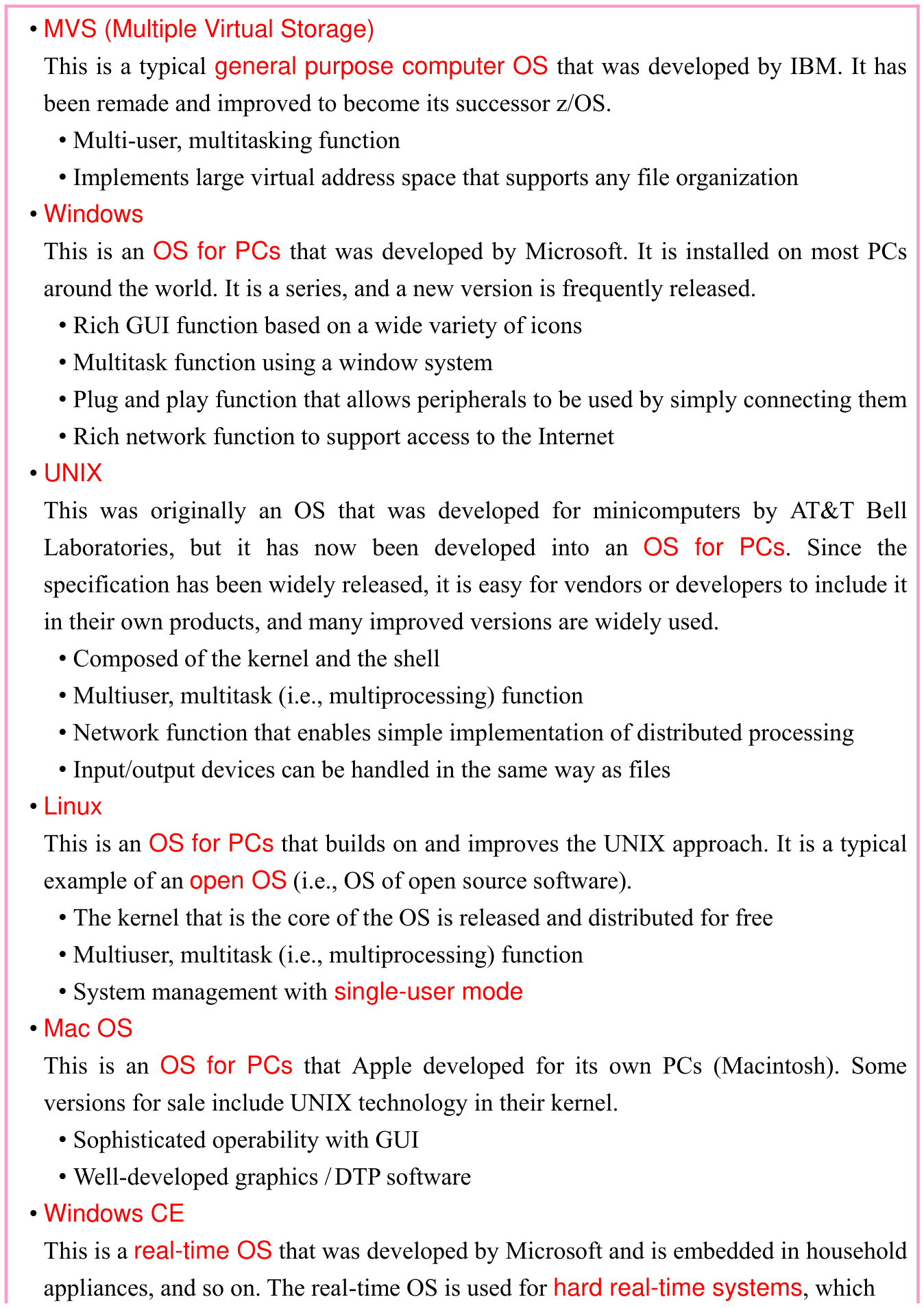
p. 192

Section progress
Original chapter exercises
Original chapter exercises →New FE Textbook Vol.1 · IT Fundamentals · First Edition, April 2015