Highlighted text? Practice this concept. Highlighted passages and figures open related questions.
Practice related questions (1)Progress & bookmarks
Current section
4-5 Backup
p. 238
Practice this section 1 linked exam question with default filters
Progress
Not marked complete
Related questions in this lesson 2
Backups for recovery from faults1Original differential and incremental backup definitions1p. 238
4 - 5 Backup
p. 239
Section progress
Original chapter exercises
Original chapter exercises →New FE Textbook Vol.1 · IT Fundamentals · First Edition, April 2015
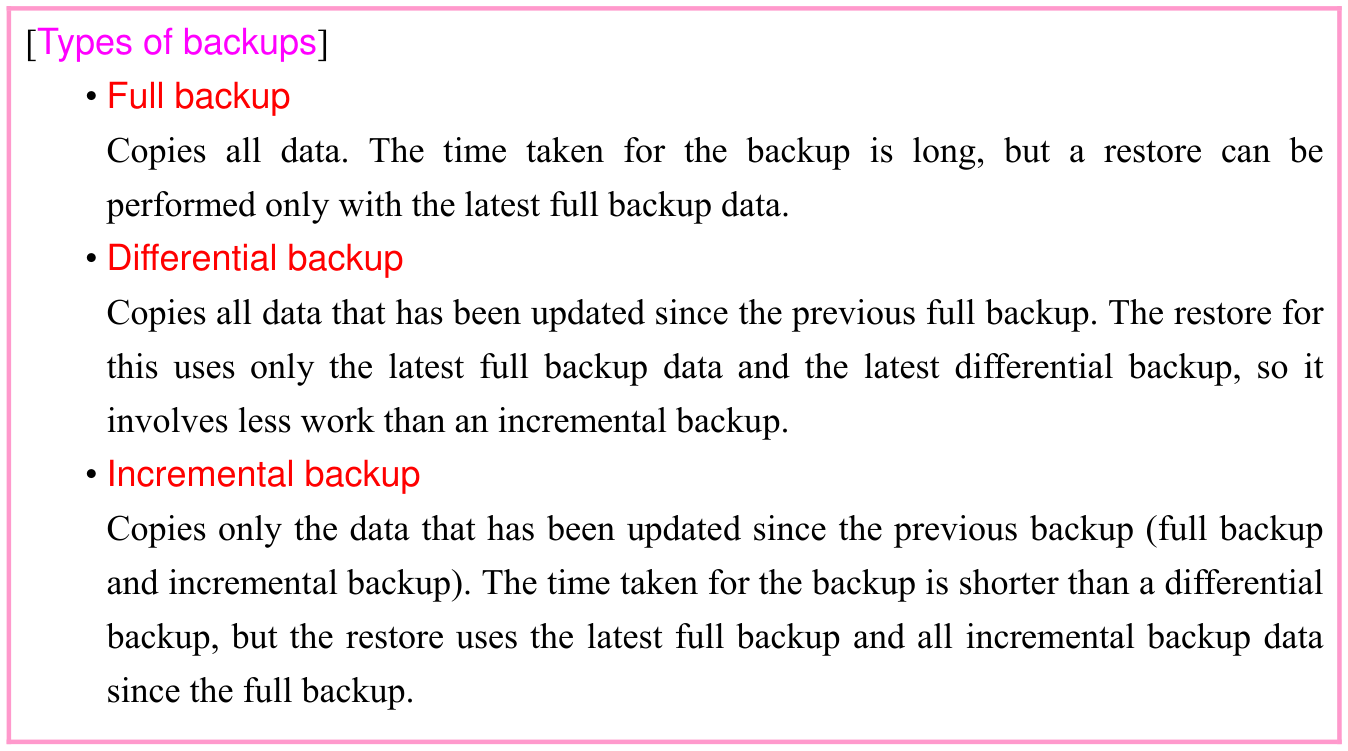
![Original textbook callout or table. Source text: [Types of backups] • Full backup Copies all data. The time taken for the backup is long, but a restore can be performed only with the latest full backup data. • Differential backup Copies all data that has been updated since the previous full backup. The restore for this uses only the latest full backup data and the latest differential backup, so it involves less work than an incremental backup. • Incremental backup Copies only the data that has been updated since the previous backup (full backup and incremental backup). The time taken for the backup is shorter than a differential backup, but the restore uses the latest full backup and all incremental backup data since the full backup.](/private-assets/fe-v1/ch03/backup/original-box-248-1-f5c2153d816d.webp)
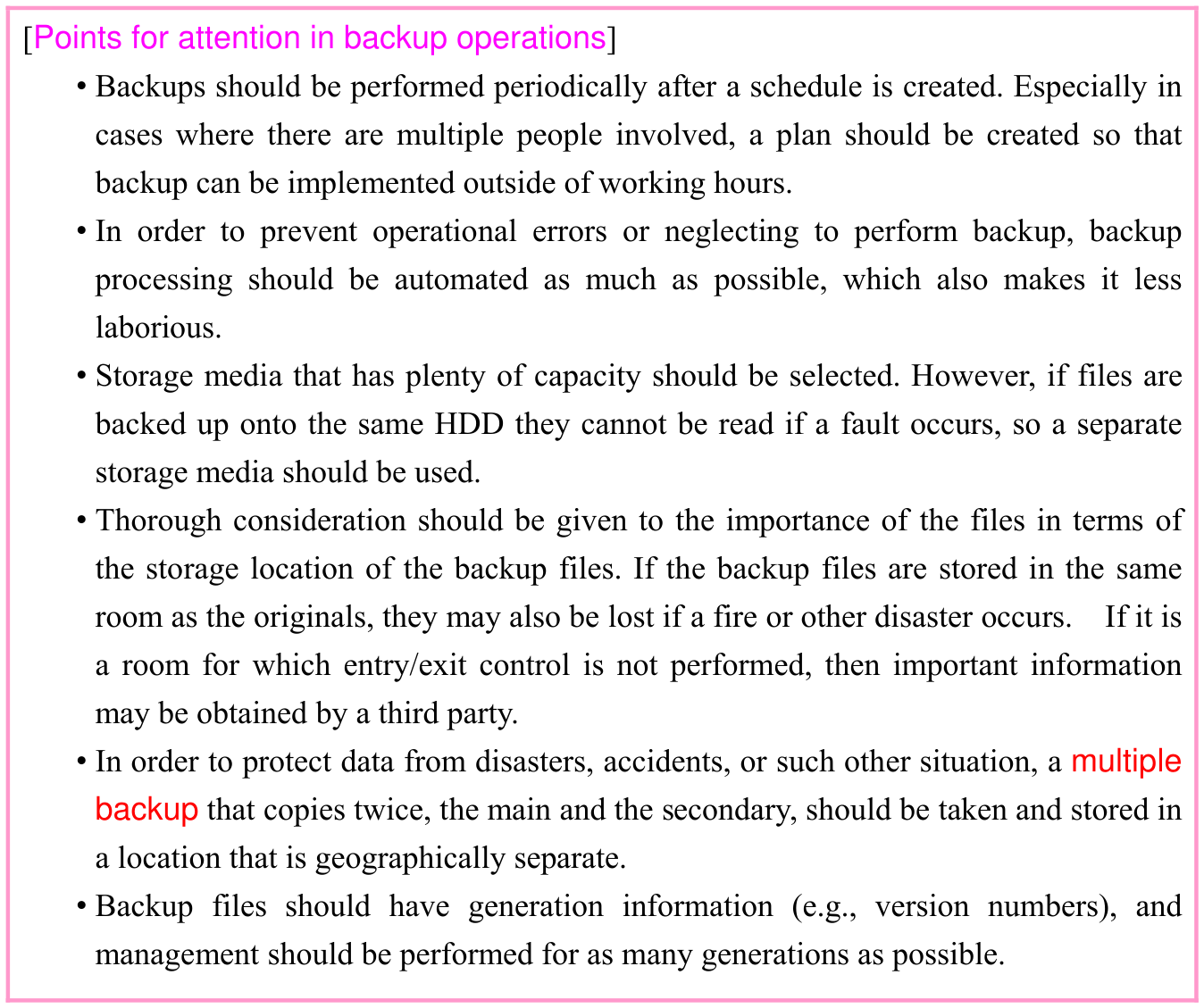
![Original textbook callout or table. Source text: [Points for attention in backup operations] • Backups should be performed periodically after a schedule is created. Especially in cases where there are multiple people involved, a plan should be created so that backup can be implemented outside of working hours. • In order to prevent operational errors or neglecting to perform backup, backup processing should be automated as much as possible, which also makes it less laborious. • Storage media that has plenty of capacity should be selected. However, if files are backed up onto the same HDD they cannot be read if a fault occurs, so a separate storage media should be used. • Thorough consideration should be given to the importance of the files in terms of the storage location of the backup files. If the backup files are stored in the same room as the originals, they may also be lost if a fire or other disaster occurs. If it is a room for which entry/exit control is not performed, then important information may be obtained by a third party. • In order to protect data from disasters, accidents, or such other situation, a multiple backup that copies twice, the main and the secondary, should be taken and stored in a location that is geographically separate. • Backup files should have generation information (e.g., version numbers), and management should be performed for as many generations as possible.](/private-assets/fe-v1/ch03/backup/original-box-249-1-042740b66849.webp)