Highlighted text? Practice this concept. Highlighted passages and figures open related questions.
Practice related questions (1)Progress & bookmarks
Current section
2-2 Technical Security Measures
p. 384
Practice this section 1 linked exam question with default filters
Progress
Not marked complete
Related questions in this lesson 3
Antivirus pattern matching1Outbound Port 25 Blocking1SPF sender domain authentication1p. 384
2 - 2 Technical Security Measures
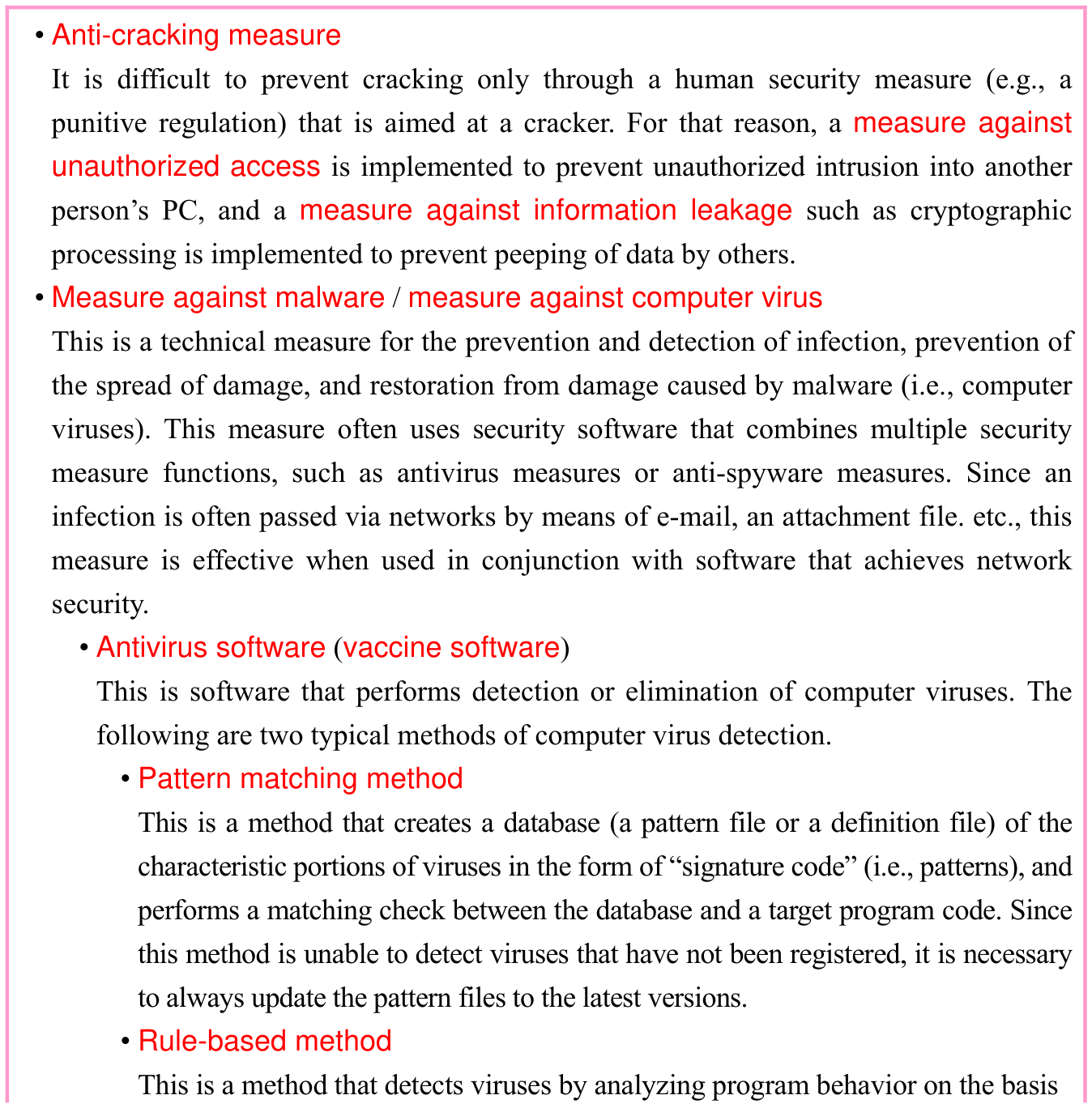
Technical security is security that utilizes hardware, software, networks, and other technologies. The following are types of technical security measures and related techniques (Details of implementation technology are discussed in “2-4 Security Implementation Technology”).
p. 385
of established rules. This method includes the heuristic method that statically analyzes source code obtained by means such as disassembly of binary code, and the behavior method that runs programs to detect (i.e., dynamically analyze) dangerous behavior that indicates a virus. Initial measures (e.g., disconnection from networks, contact with administrators) taken in response to a virus infection are defined within information security policy and are implemented as human security measures. The person initially detecting a virus should, in principle, not perform operations such as elimination of the virus or initialization of memory. This is because doing so disallows investigation and analysis of the type of virus, the infection path, the status of damage, and other information.
- • Updating
This is a measure that is provided by a manufacturer or a software vendor to remove vulnerability from an operating system or an application, through an update program (patch program) which is aimed at defects in software security. This can also be effective in preventing the newly discovered malware or infection by computer viruses. It should be noted that while it is recommended to use the latest updates, OS updating may have impacts on the operation of other programs. This should be confirmed in advance. - • Measure against spam
Spam (i.e., spam e-mail, also called junk e-mail) is an advertisement message, a chain message, or other e-mail that is sent to an unspecified number of recipients. Measures against spam include denial of receiving spam, and avoidance of being used as a stepping stone for unauthorized relaying of spam. When spam is received, the optimal measure is to delete the spam without taking any other action, such as opening or replying to the spam.- • Blacklist / whitelist
This is a method that uses a blacklist of e-mail addresses from which receipt is rejected, and a whitelist of e-mail addresses from which receipt is accepted. - • SPF (Sender Policy Framework)
This is a method for sender domain authentication that manages an IP address list of proper mail servers authorized to send e-mail from a given domain. It enables automated rejection of e-mail sent from unrelated mail servers. It is an extended specification of SMTP, and is defined as RFC 4408. · 1 question - • OP25B (Outbound Port 25 Blocking)
This is a method that is used by an ISP in order to prevent outbound communication from its internal networks via TCP port 25 (SMTP), through routers or such other devices at the boundary with external networks. When OP25B is active, SMTP communications attempting to connect through the ISP’s · 1 question
- • Blacklist / whitelist
p. 386
network to mail servers outside the ISP are all blocked, and it is possible to prevent unauthorized relaying of spam.
- • Measure against mail header injection
This is a measure that prevents mail header injection attacks which improperly rewrite e-mail recipient addresses found on websites, and use them as a stepping stone for unauthorized relay.- • DKIM (Domain Keys Identified Mail)
This is a digital signature-based technique for source domain authentication, which checks whether received e-mail is from authorized senders and is not falsified. At the time of sending an e-mail message, it writes signature information, generated from a private key, into the header of outbound mail message, and at the time of receiving the e-mail message, verifies signatures by using a public key on the DNS server of the signing domain. This allows verification of the legitimacy of the source domain and body text of an e-mail message (i.e., verification that the message was not falsified during sending).
- • DKIM (Domain Keys Identified Mail)
- • Content filtering
This is a technique that restricts the viewing of content published on websites, through filtering to check for inappropriate keywords, etc. This is sometimes used to prohibit minors from viewing content containing harmful information, and is sometimes used for security purposes to prohibit access when the safety of content cannot be confirmed.- • URL filtering
This is a technique that prohibits the viewing of content at specified URLs. Many products have a prohibited-viewing URL list (i.e., filter) prepared from the start.
- • URL filtering
- • Honey pot
This is a “decoy” server or device that is set up on the Internet for the purpose of investigating and analyzing methods and pathways of unauthorized intrusion, or the behavior of viruses. A honey pot is set up to disable external attacks from the honey pot (i.e., to prevent damage from spreading). - • Digital watermarking
This is a technique to embed data, which is imperceptible in normal viewing and playback, into documents, still images, videos, and other content. Since the information is displayed when special detection software is used to read the data, unauthorized copying or data falsification can be detected. - • Personal Digital Assistance (PDA) security
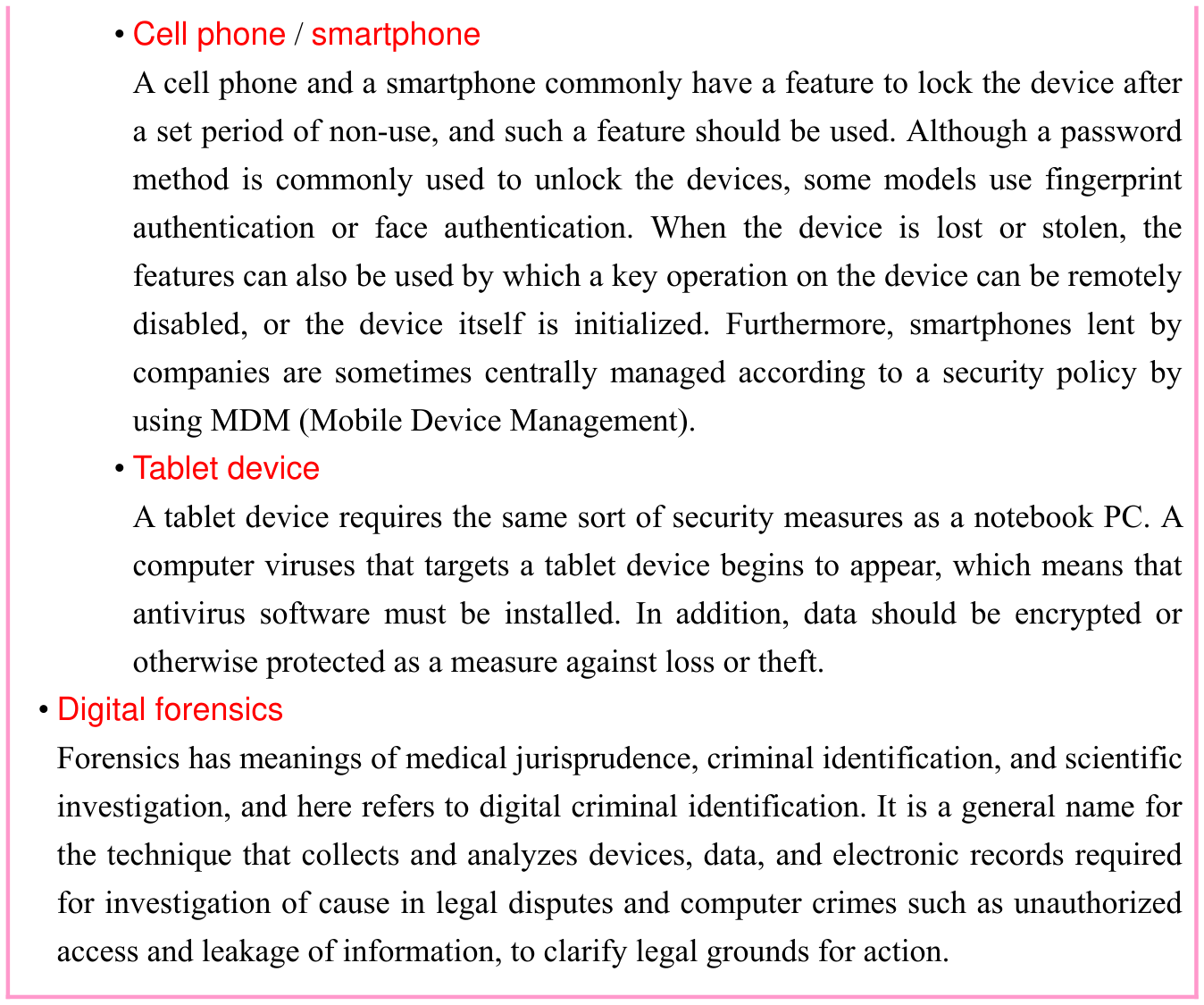
PDA contains personal data, like a telephone directory, and confidential data, so security measures for such a device are also necessary. PDA is portable, so it is important to make special preparations against loss and theft.
p. 387
Section progress
Original chapter exercises
Original chapter exercises →New FE Textbook Vol.1 · IT Fundamentals · First Edition, April 2015